
Home Inventory Photo Checklist for Insurance Claims
4 min read

On this page
A step-by-step photo and video documentation guide to protect your home and belongings for faster, smoother insurance claims after a disaster. Based on FEMA and Ready.gov recommendations.
Why Documenting Your Home Matters
After a disaster like a wildfire, flood, or earthquake, filing an insurance claim quickly and accurately is critical. Without proof of what you owned and the condition of your home, the claims process can be slow and frustrating. The Federal Emergency Management Agency (FEMA) and Ready.gov recommend creating a home inventory before disaster strikes to speed up claims and ensure you receive fair compensation.
Photo & Video Documentation Tools
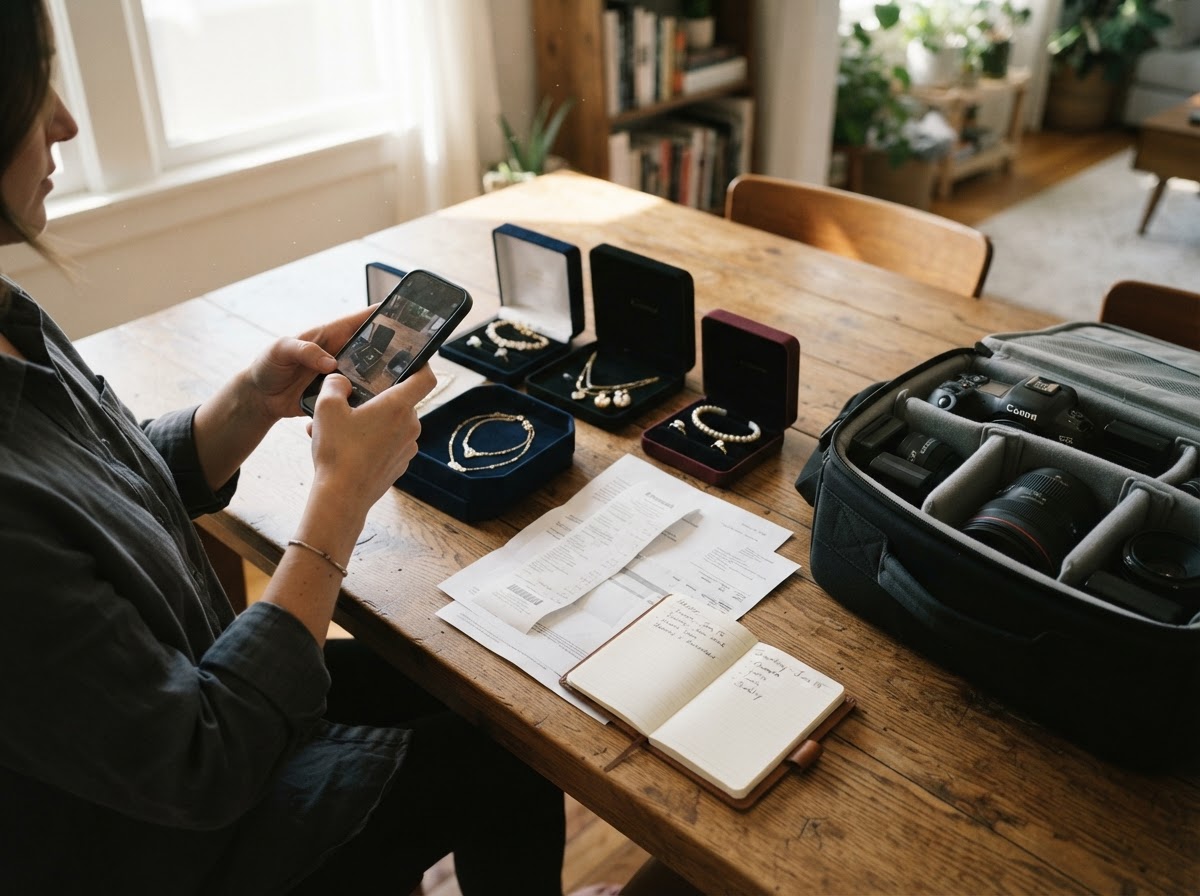
Use any smartphone or digital camera with date-stamp capability. Cloud storage (Google Drive, iCloud, etc.) ensures your inventory survives a home loss. FEMA’s Ready.gov home inventory page also suggests using a free app like the Insurance Information Institute’s Home Inventory app.
Complete Photo Checklist
Exterior of Your Home
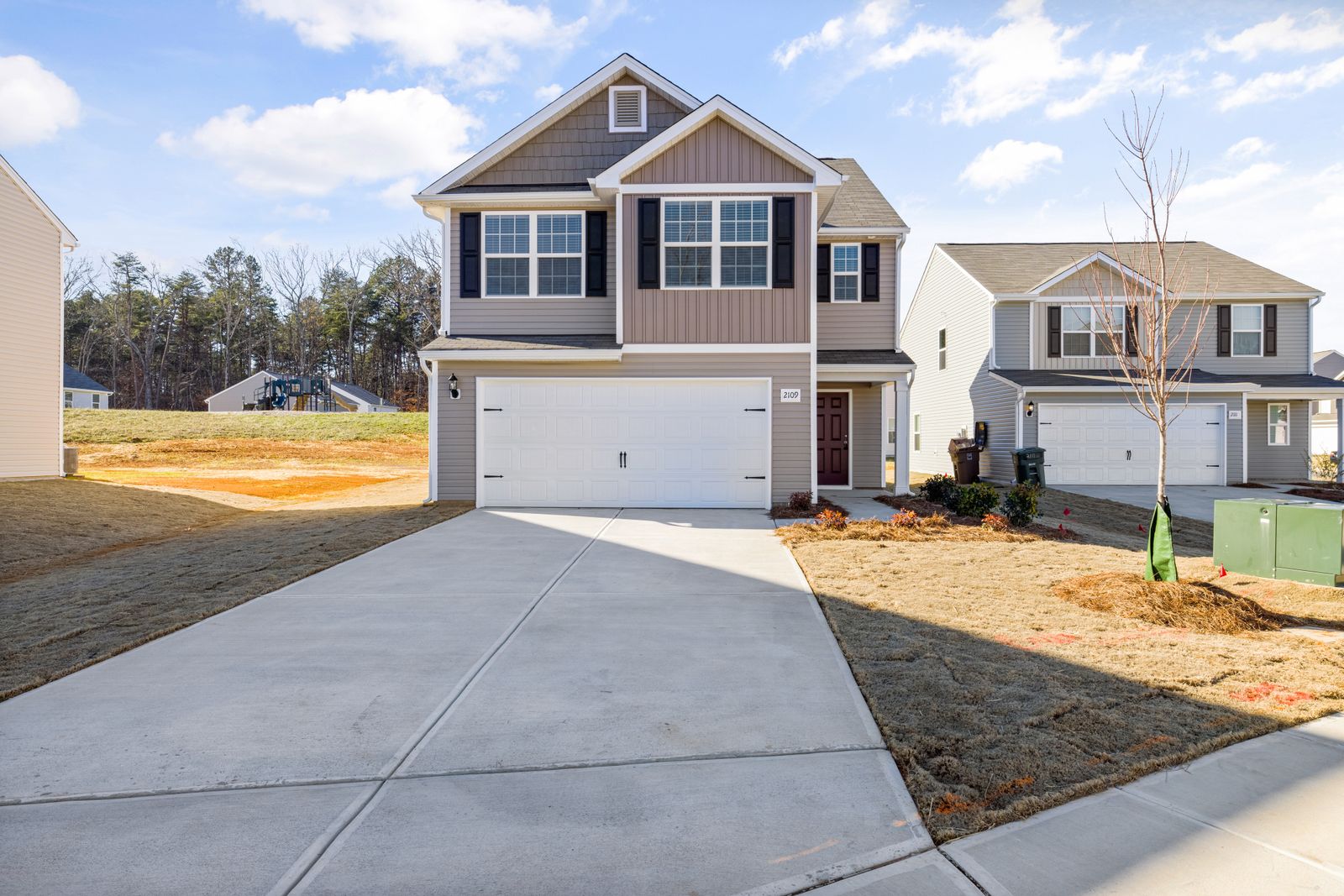
- All sides of the house: Take wide shots of the front, back, left, and right sides, including the roof, siding, foundation, and any attached structures (garage, deck, porch).
- Landscaping and hardscaping: Photograph fences, retaining walls, driveways, walkways, trees, and large shrubs. These can be covered under your policy.
- Roof close-ups: Use a zoom or drone (if safe) to capture roof condition, shingles, flashing, gutters, and chimneys.
- Windows and doors: Show all windows, doors, and screens, especially storm shutters or impact-resistant glass.
- Outdoor utilities: Photograph the electrical panel, gas meter, water meter, propane tank, outside HVAC unit, and any well or septic system components.
- Garage interior: Document all items stored, including tools, vehicles, bicycles, sports equipment, and shelving.
Interior of Each Room
- Wide-angle room view: Stand in each corner and take overlapping shots so nothing is missed.
- Walls, floors, and ceilings: Capture condition of paint, wallpaper, flooring (carpet, tile, hardwood), crown molding, light fixtures, and ceiling fans.
- Built-in features: Kitchen cabinets, countertops, islands, bathroom vanities, shower enclosures, shelving, and closet systems.
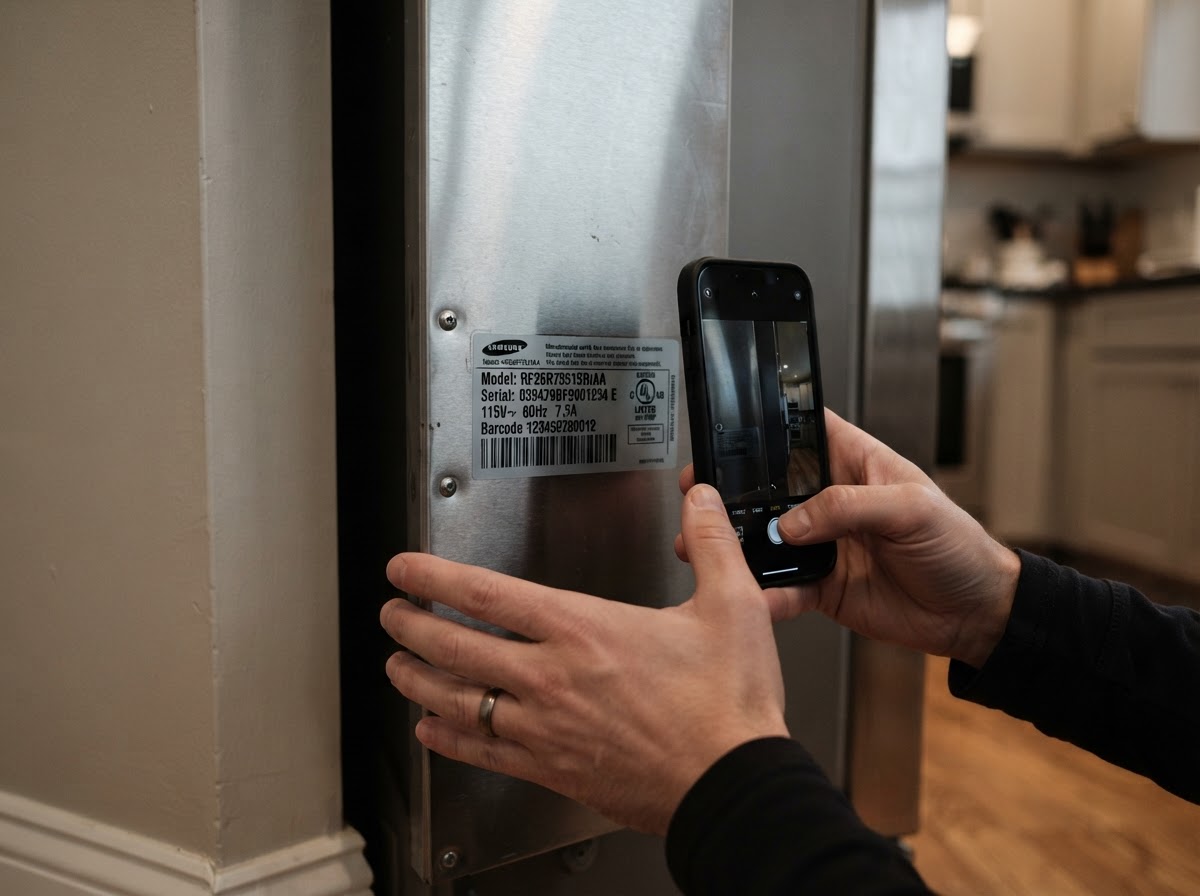
- Appliances: Refrigerator, oven, dishwasher, microwave, washing machine, dryer, water heater, furnace, and any small appliances. Note model numbers and serial numbers (take close-ups of labels).
- Furniture and large items: Sofas, beds, tables, chairs, desks, dressers, bookcases, and entertainment centers. Open drawers and doors to show contents.
- Electronics: TVs, computers, printers, stereo equipment, gaming consoles, and peripheral devices. Include receipts or proof of purchase if available.
- Valuables: Jewelry, art, collectibles, antiques, firearms, and expensive tools. For these, a video walking around them with narration can help establish context and condition.
Detailed Documents
- Receipts and appraisals: Scan or photograph receipts, appraisals, and certificates of authenticity for expensive items.
- Product serial numbers: Create a separate document or photo album of all serial numbers for electronics, appliances, and gear.
- Floor plan or blueprint: If available, photograph the floor plan to show room dimensions and layout.
- Insurance policy declarations page: Keep a digital copy of your policy and a photo of the declarations page with your inventory.
How to Organize Your Inventory
- Use a consistent naming convention: e.g., "LivingRoom_WestWall.jpg" or "Kitchen_Appliances_Refrigerator_Info.jpg".
- Sort by room and then by category. Create folders for each room (e.g., Garage, Living Room, Master Bedroom).
- Add descriptions in a spreadsheet or document. Include item name, purchase date, cost, estimated replacement value, and any model/serial numbers.
- Store copies offsite. Upload to a cloud service AND give a copy to a trusted friend or family member. Ready.gov also recommends keeping a paper copy in a safe deposit box.
- Update annually and after any major purchase or renovation.
Video Walkthrough Tips
In addition to photos, create a continuous video tour of your entire home. Talk about each room, opening closets and drawers. Mention any valuable items or unique features. Videos can capture context that still photos miss. FEMA notes that video evidence is increasingly accepted by insurers.
What to Do After a Disaster
- Do not throw away damaged items until your adjuster has seen them or given permission. Take photos of damage before any cleanup.
- Make temporary repairs to prevent further damage (e.g., tarp a leaking roof). Keep all receipts for materials.
- Document the damage again after the event, showing the disaster’s impact (flood lines, fire damage, fallen trees, etc.).
- Contact your insurance company as soon as you are safe. Provide them with your inventory.
Additional Resources
- Ready.gov’s Home Inventory Guide
- FEMA’s Risk Management Resources
- National Flood Insurance Program (NFIP) floodsmart.gov
Conclusion
Creating a photo and video inventory is a weekend project that can save you thousands of dollars and weeks of stress after a disaster. Start today: take exterior shots, go room by room, document valuables, and store everything securely offsite. Use the checklist above to ensure you cover every corner. Your future self—and your insurance adjuster—will thank you.
About our guidance
Our guides are grounded in publicly available information from official sources such as FEMA, NOAA, USGS and Ready.gov. Information is general in nature — always verify details for your specific property and policy with official sources and your insurer.
Related guides
 InsuranceLender-Placed Flood Insurance: The Expensive Backup If Your Policy LapsesYour lender can force-place flood insurance if your policy lapses — and bill you for it, usually at a higher price. Here is how…Oct 15, 2026Read guide →
 InsuranceWhat Happens to Your NFIP Policy If Congress Lets the Program LapseCongress extended the NFIP through December 11, 2026. If the program lapses, existing policies stay in force and claims get paid…Oct 15, 2026Read guide →
 InsuranceExcess Flood Insurance: Coverage Above NFIP's $250,000 LimitThe NFIP caps flood coverage at $250,000 for the building and $100,000 for contents. If your home would cost more to rebuild,…Oct 15, 2026Read guide →