
How to Find and Sign Up for Your State's Official Emergency Alerts
4 min read
On this page
Learn how to locate your state's official alert system and receive life-saving warnings for severe weather, wildfires, floods, and other emergencies.
Why Emergency Alerts Matter
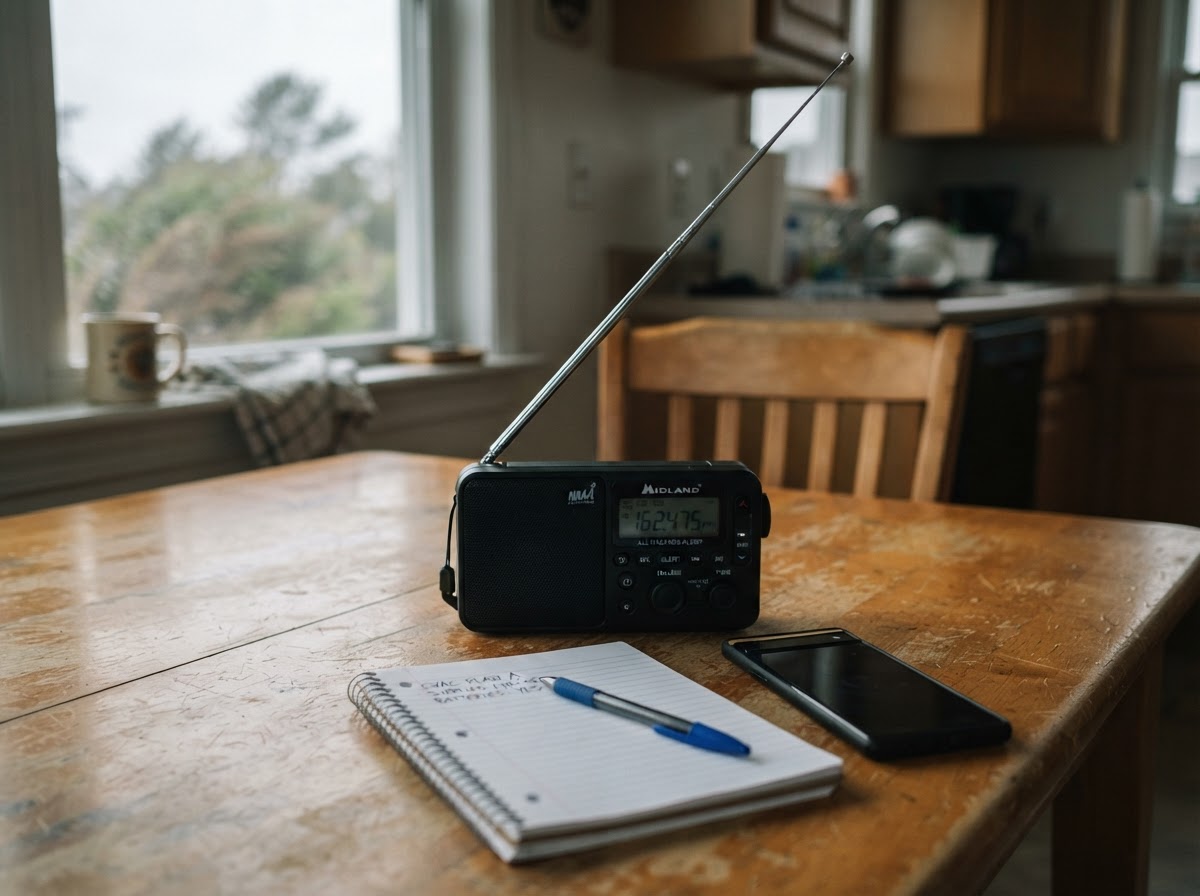
Official emergency alerts give you critical, real-time information during disasters. The Federal Emergency Management Agency (FEMA) and National Oceanic and Atmospheric Administration (NOAA) coordinate a nationwide system called the Integrated Public Alert and Warning System (IPAWS). IPAWS enables authorized government agencies to send alerts through multiple channels: Wireless Emergency Alerts (WEA) to mobile phones, Emergency Alert System (EAS) on TV and radio, and NOAA Weather Radio. However, many states also operate their own alert systems that provide hyper-local warnings, especially for hazards like earthquakes, tsunamis, or hazardous material spills. Relying only on national alerts may mean missing important state-specific information.
Step 1: Know the National Alert Systems
Before diving into state options, understand the baseline alerts every U.S. resident should have:
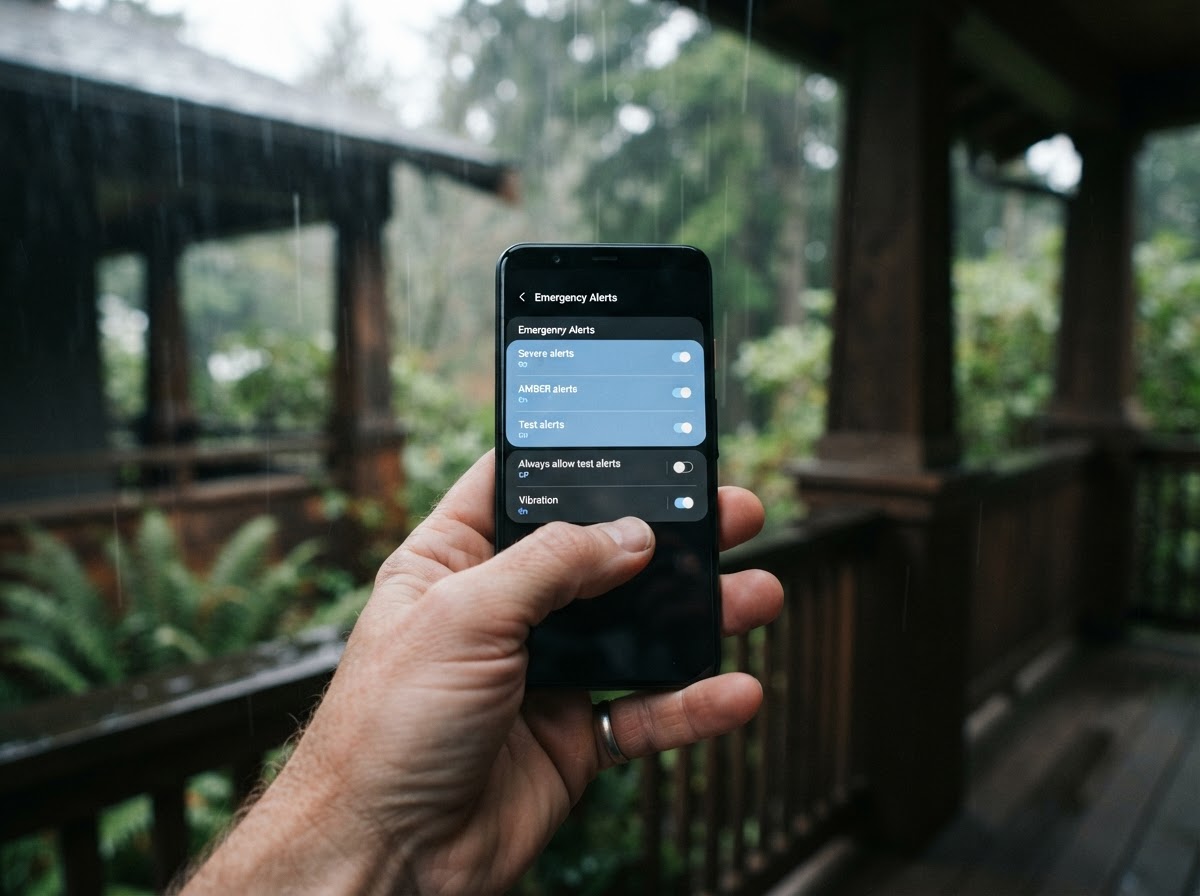
- Wireless Emergency Alerts (WEA): Automatically enabled on most modern smartphones. These short, text-like messages come from FEMA, the National Weather Service (NWS), state and local public safety officials, and the National Weather Service. They cover imminent threats like tornadoes, flash floods, AMBER Alerts, and Presidential alerts. You do not need to sign up—they are broadcast to any WEA-capable phone in the affected area. You can adjust settings to disable non-emergency alerts, but keep imminent threat alerts on.
- NOAA Weather Radio (NWR): This all-hazards radio network broadcasts continuous weather information direct from NWS. It’s especially useful if you live in an area with weak cell reception. You must purchase a dedicated NWR receiver (often battery-powered and portable). Many models can be programmed to alert only for your county.
- Emergency Alert System (EAS): You don’t sign up for this—it automatically interrupts TV and radio broadcasts. Ensure your television or radio is set to receive over-the-air signals or use a cable/satellite provider that carries local stations.
Step 2: Find Your State's Official Alert System
Each state manages its own alerting system, usually through the state emergency management agency. The most common type is a local opt-in system that sends alerts via text, email, or voice calls. These systems often use platforms like IPAWS but require residents to subscribe separately.
To find your state's system:
- Visit your state’s emergency management website. A quick search for “[Your State] emergency management” should find it.
- Look for direct links labeled “Emergency Alerts,” “Sign Up for Alerts,” “Alert System,” or “Notifications.”
- Many states centralize alerts through a single portal. For example, California and New York use systems like AlertSense or Everbridge.
- If you cannot find it, call your county emergency management office. They can point you to the right resource.
Below is a quick reference for some states, but always verify on the official .gov site:
- California: CalAlerts – sign up for county-specific alerts.
- Texas: Texas Division of Emergency Management – links to local systems.
- Florida: FloridaDisaster.org/Alert – sign up for alerts.
- New York: NY-Alert – statewide notification.
- Illinois: Ready Illinois – sign up for alerts.
Step 3: Sign Up and Customize Your Notifications
Once you locate the sign-up page, you will typically provide:
- Your address or ZIP code (to pinpoint your location).
- Contact methods: phone number for texts, email address, or voice call.
- Types of alerts you want (e.g., all hazards, severe weather, evacuations).
- How far from your home you want to monitor (e.g., only your immediate neighborhood or your entire county).
For maximum safety, consider signing up for multiple contact methods. If you lose cell service, a landline call or email might still reach you. Some systems also allow you to register for your workplace or your children’s school locations.
Step 4: Stay Informed with Additional Tools
Supplement state alerts with these official sources:
- FEMA App: FEMA’s mobile app sends weather alerts from NWS and offers safety tips. It works nationwide.
- USGS Earthquake Alerts: If you live in an earthquake-prone area, use the ShakeAlert system. Some states like California, Oregon, and Washington have embedded this in their alert systems.
- Wildfire Alerts: For Western states, check Ready for Wildfire and local air quality alerts via AirNow.
What to Do When You Receive an Alert
When you get an alert, don’t ignore it. Follow these steps from Ready.gov:
- Read the message carefully. Note the hazard, recommended action (shelter, evacuate, avoid area), and any expiration time.
- Take action immediately. For a tornado warning, go to your basement or interior room. For a flash flood warning, move to higher ground. For an evacuation order, leave as directed.
- Do not call 911 for information. Use the alert’s instructions and check local official sources like your county website or social media.
- Account for family and neighbors. If you have elderly or disabled relatives nearby, help them understand the alert.
Conclusion
Signing up for your state’s official alerts is one of the simplest, most effective steps you can take to protect your home and family. Start today: visit your state emergency management website, find the alert sign-up page, and register using multiple contact methods. Combine this with national systems like WEA and NOAA Weather Radio for a comprehensive safety net. Being alerted early can mean the difference between safety and disaster. Don’t wait—subscribe now.
About our guidance
Our guides are grounded in publicly available information from official sources such as FEMA, NOAA, USGS and Ready.gov. Information is general in nature — always verify details for your specific property and policy with official sources and your insurer.
Related guides
 InsuranceLender-Placed Flood Insurance: The Expensive Backup If Your Policy LapsesYour lender can force-place flood insurance if your policy lapses — and bill you for it, usually at a higher price. Here is how…Oct 15, 2026Read guide →
 InsuranceWhat Happens to Your NFIP Policy If Congress Lets the Program LapseCongress extended the NFIP through December 11, 2026. If the program lapses, existing policies stay in force and claims get paid…Oct 15, 2026Read guide →
 InsuranceExcess Flood Insurance: Coverage Above NFIP's $250,000 LimitThe NFIP caps flood coverage at $250,000 for the building and $100,000 for contents. If your home would cost more to rebuild,…Oct 15, 2026Read guide →