
Ready.gov vs State EMA: Which Alerts to Follow?
4 min read
On this page
Confused by multiple emergency alerts? Learn how Ready.gov and your State Emergency Management Agency work together—and which alerts you should prioritize to stay safe.
Understanding the Two Main Alert Sources
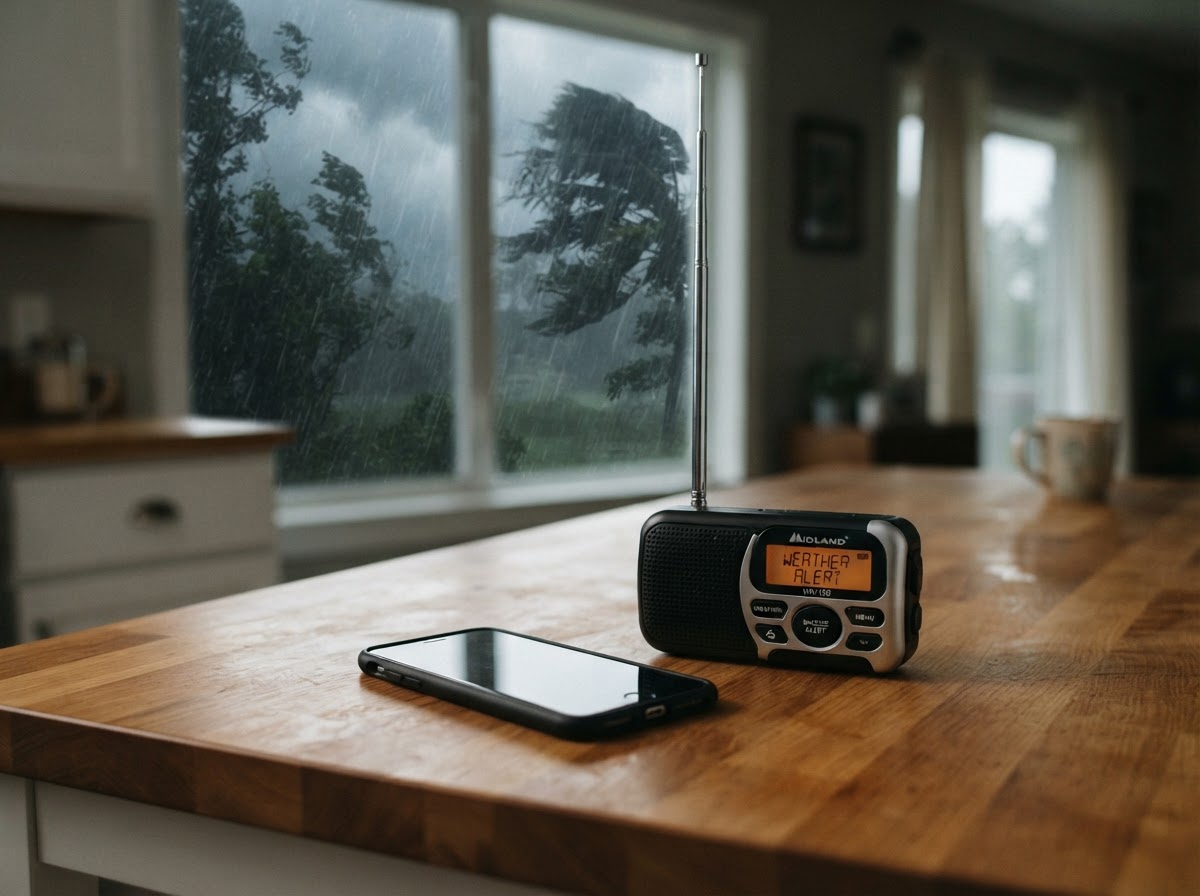
When a natural disaster looms, you might receive alerts from multiple sources: Ready.gov (the national public service campaign by FEMA) and your State Emergency Management Agency (EMA). Both aim to keep you safe, but they serve different roles. Here’s what you need to know.
What Is Ready.gov?

Ready.gov is a national-level, federally led initiative managed by FEMA under the Department of Homeland Security. It provides:
- General preparedness guidelines for all hazards (hurricanes, wildfires, floods, earthquakes, etc.).
- Information on national alert systems like the Wireless Emergency Alerts (WEA) and the NOAA Weather Radio All Hazards.
- Links to state and local resources.
Ready.gov does not issue real-time local emergency alerts. It’s an educational and coordination hub. Think of it as the “manual” for emergency preparedness.
What Is Your State EMA?
Every state has its own Emergency Management Agency (EMA) – sometimes called OEM, DEM, or similar. These state-level agencies are responsible for:
- Monitoring local threats (e.g., severe weather, hazardous material spills).
- Issuing state-specific, localized alerts through systems like Integrated Public Alert & Warning System (IPAWS).
- Coordinating response and recovery with county and local authorities.
State EMAs operate the Emergency Alert System (EAS) on TV/radio and often have their own opt-in notification systems (e.g., text, email, app).
How They Work Together
The relationship is complementary. Ready.gov sets national standards and provides overarching guidance. State EMAs tailor that guidance to your region. For example:
- Ready.gov says “prepare for earthquakes” – your California EMA tells you about the specific ShakeAlert early warning system.
- Ready.gov explains hurricane categories – your Gulf Coast state EMA issues evacuation orders for your county.
Bottom line: Follow both – but prioritize your state EMA for immediate, location-specific actions.
Which Alerts Should You Follow in Real Time?
1. Wireless Emergency Alerts (WEA)
These are presidential, imminent threat, and AMBER alerts sent to your mobile device. They come from state and local authorities, not Ready.gov. Always act on them immediately.
2. NOAA Weather Radio
Broadcasts continuous weather information from the National Weather Service (NWS). Your state EMA uses NWS data to refine local warnings. If your NOAA radio goes off, it’s a real-time local threat – follow its guidance.
3. State EMA Opt-In Alerts
Many states have free programs like AlertCalifornia (CA) or Notify.gov. These provide hyper-local updates (e.g., “wildfire near your street”). Sign up for these – they are the most actionable.
4. Ready.gov Website and Social Media
Use Ready.gov for pre-planning, not real-time response. Check it to build an emergency kit, make a family plan, or understand different hazards. But don’t rely on it for minute-by-minute updates.
How to Stay Informed – Step by Step
- Identify your state EMA – Find its official website and sign up for its alert system. (Search “[your state] emergency management agency”).
- Download local apps – Many state EMAs have mobile apps (e.g., FEMA app, local Red Cross app, state-specific apps).
- Enable WEA on your phone – Keep emergency alerts turned on (Settings > Notifications > Government Alerts).
- Get a NOAA Weather Radio – For when cell networks fail. Program it to your county.
- Bookmark Ready.gov – Use it for preparedness checklists and after-action reviews.
Common Myths Debunked
Myth: “Ready.gov will warn me about a tornado.” Fact: Only your local NWS office and state EMA send tornado warnings via WEA and NOAA radio.
Myth: “I only need to follow federal alerts.” Fact: Federal alerts are broad; state alerts tell you exactly where to evacuate or shelter.
Myth: “Signing up for everything is overkill.” Fact: Redundant alerts save lives – when one system fails, another may work.
Conclusion: Your Smartest Alert Strategy
Don’t pit Ready.gov against your state EMA – they are teammates. Use Ready.gov to learn ahead of time and your state EMA to act in the moment. Bookmark Ready.gov, find your state EMA’s alert system today, and sign up. A few minutes of setup could save your family’s safety.
About our guidance
Our guides are grounded in publicly available information from official sources such as FEMA, NOAA, USGS and Ready.gov. Information is general in nature — always verify details for your specific property and policy with official sources and your insurer.
Related guides
 InsuranceLender-Placed Flood Insurance: The Expensive Backup If Your Policy LapsesYour lender can force-place flood insurance if your policy lapses — and bill you for it, usually at a higher price. Here is how…Oct 15, 2026Read guide →
 InsuranceWhat Happens to Your NFIP Policy If Congress Lets the Program LapseCongress extended the NFIP through December 11, 2026. If the program lapses, existing policies stay in force and claims get paid…Oct 15, 2026Read guide →
 InsuranceExcess Flood Insurance: Coverage Above NFIP's $250,000 LimitThe NFIP caps flood coverage at $250,000 for the building and $100,000 for contents. If your home would cost more to rebuild,…Oct 15, 2026Read guide →